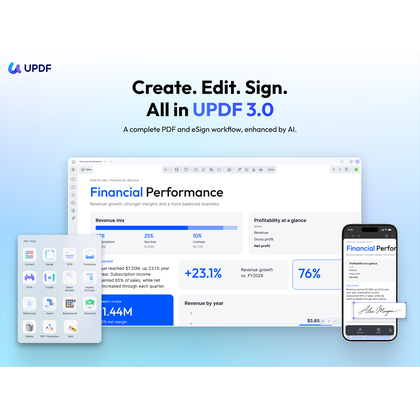
PDF, AI & eSign in one workspace

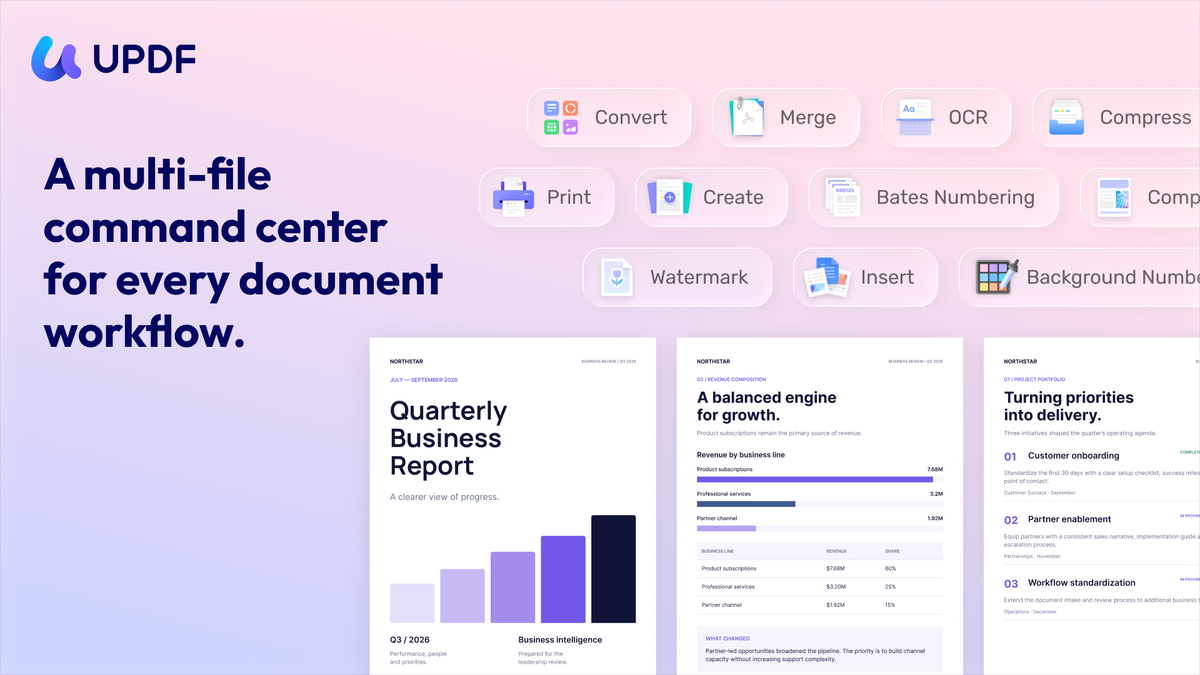
a multi-file command center for every document workflow
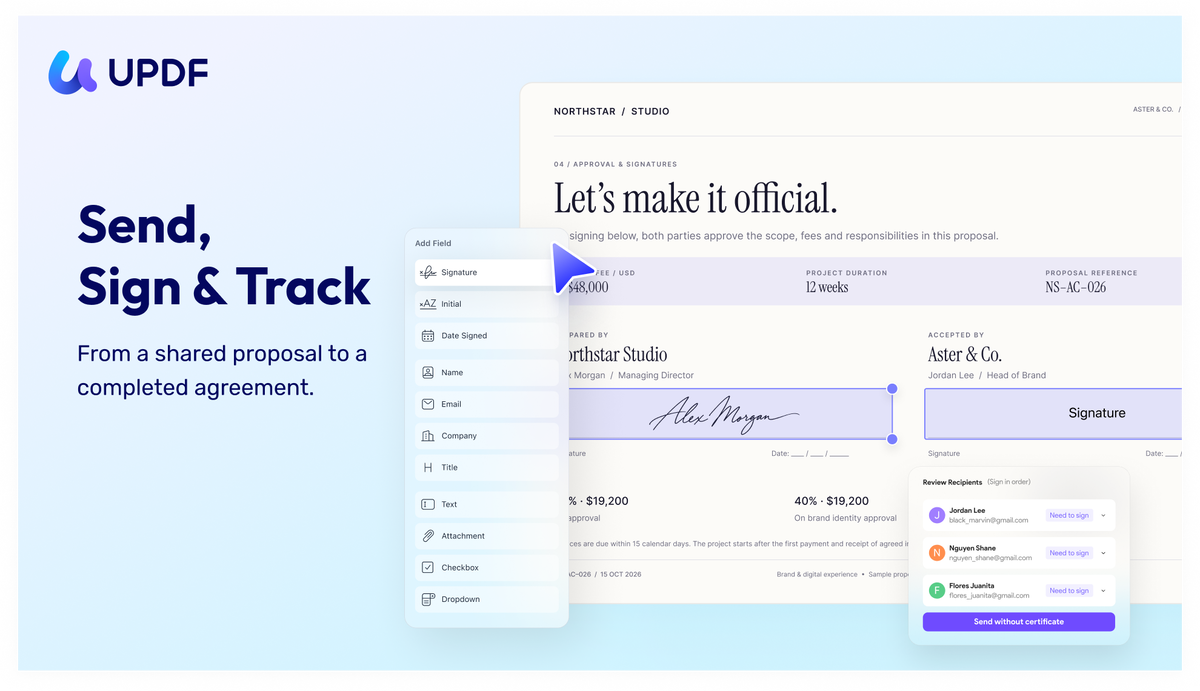
send, sign & track
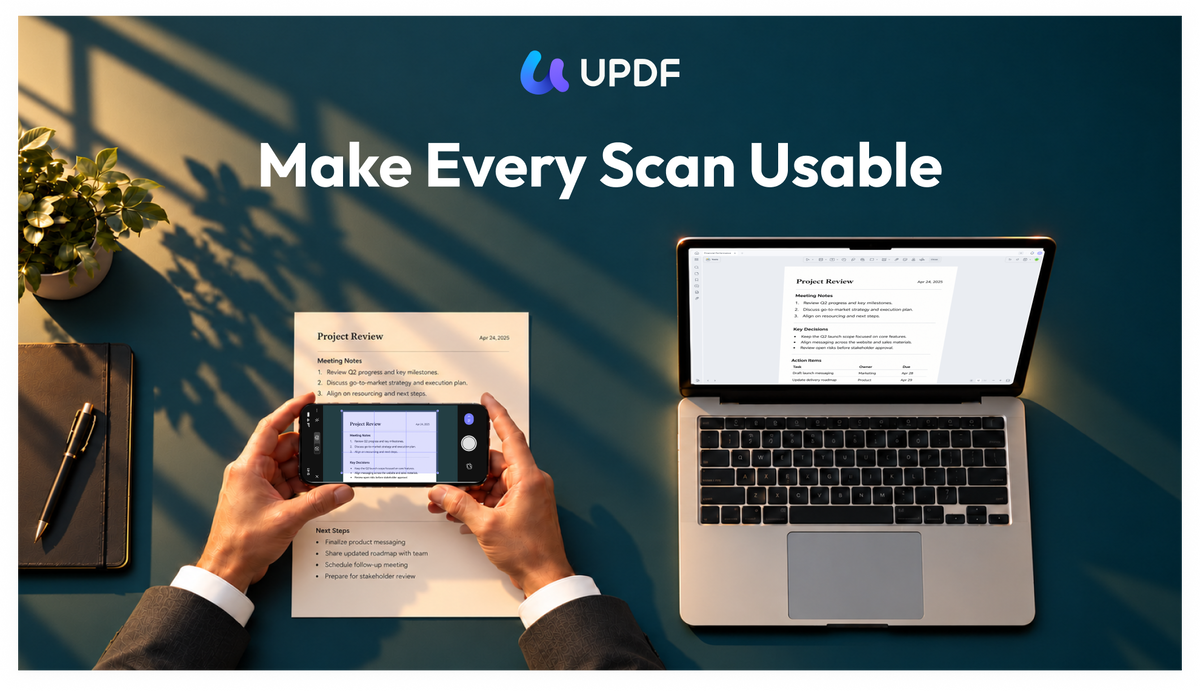
make every scan usable
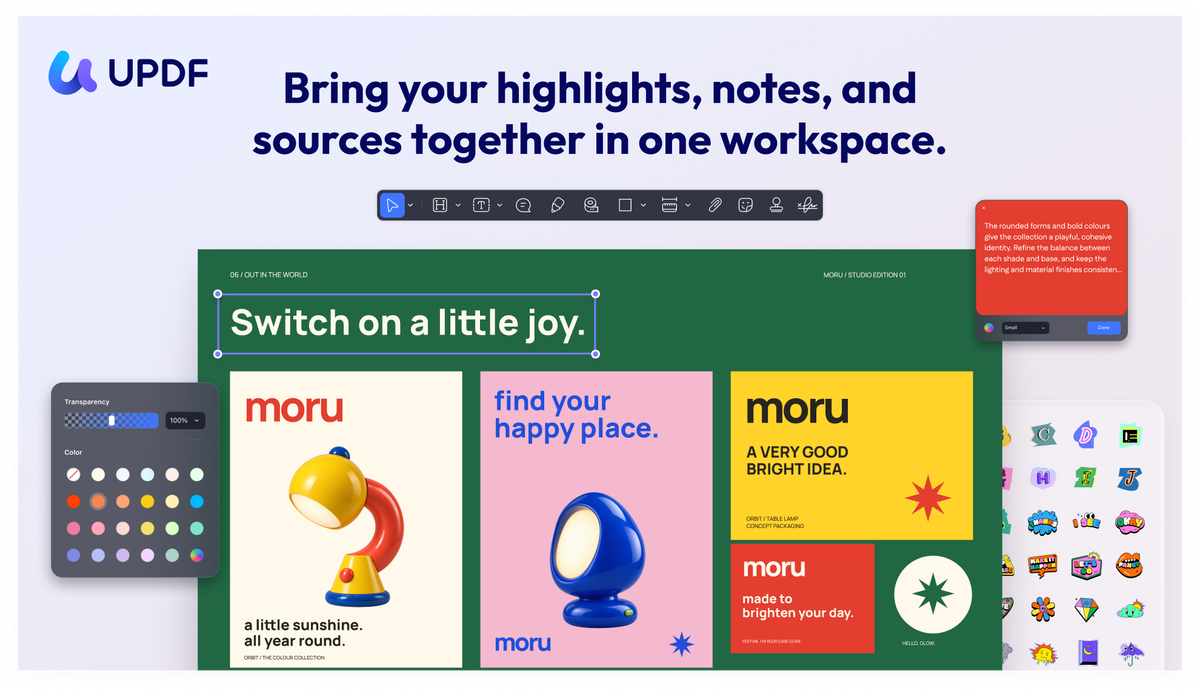
bring your highlightsl, notes, and sources together in one workspace.

UPDF - PDF Editor All Platforms for Individuals

-32%$95
$140
$95$140
  • Lifetime access
  • Refundable up to 60 days
No "We Got Your Back" guarantee. This listing is managed by the partner who built the product — we haven't vetted it, so this guarantee doesn't apply.
Refundable up to 60 days from your purchase date.

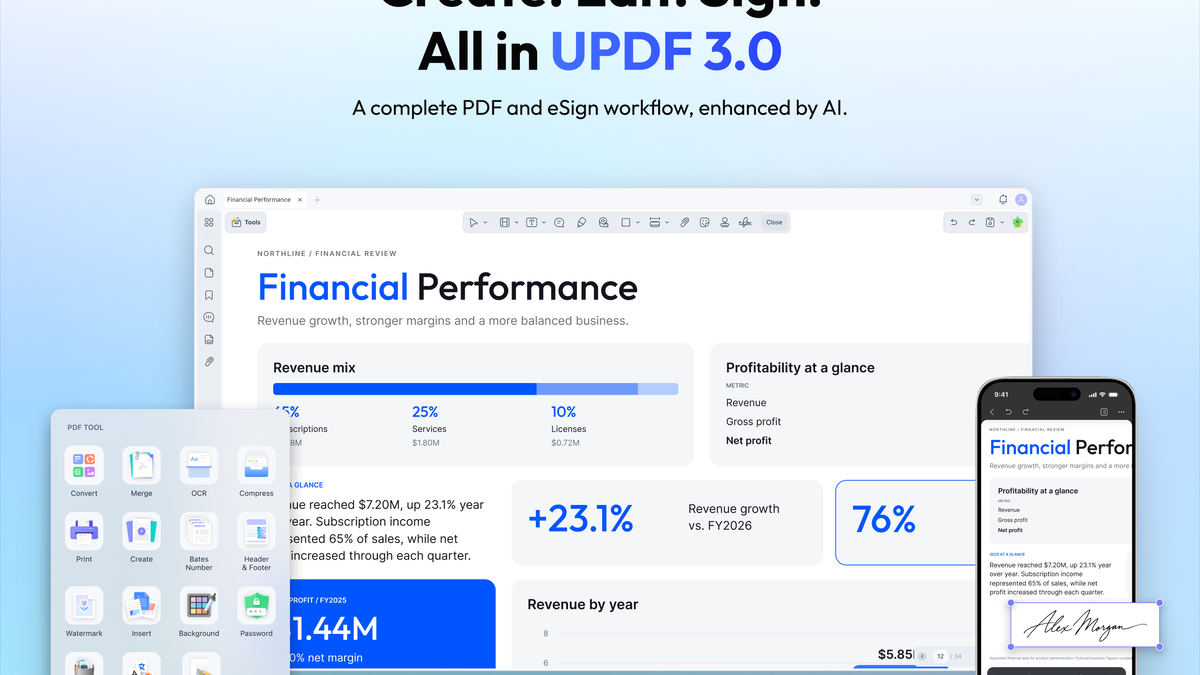
Handle your entire document workflow in one app—from editing and AI-powered understanding to sending, signing, and tracking—without switching between separate PDF, AI, and eSign tools.

TL;DR

  • checkmarkEdit, understand, and sign PDFs in one app. Complete document workflows without switching tools.
  • checkmarkConvert any PDF to Word, Excel, Powerpoint, image, HTML, text, CSV, XML, PDF/A, etc. without losing formats

At-a-glance

updf.com

Alternative to

Adobe Acrobat Pro, DocuSign

Integrations

ChatGPT

Best for

Consultants, Educators, Small businesses

UPDF - PDF Editor All Platforms for Individuals logo

UPDF - PDF Editor All Platforms for Individuals

Seamlessly edit, convert, and organize PDFs across every device

Edit any elements in PDF document

  • Add or delete texts and edit their font, color, and size
  • Add, crop, rotate, replace, extract or delete images
  • Add and edit links and watermarks in PDF
  • Edit headers and footers in PDF
  • Edit background in PDF
  • Crop pages to the ideal size you need.
  • Create and fill out forms
  • Add the digital signature
Edit any elements in PDF document

Convert PDF to other formats

  • Convert PDF to other formats: You can convert any PDF to Word, Excel, PowerPoint, image (PNG, JPG, TIFF, GIF), HTML, text, CSV, XML, PDF/A, etc. without losing formats.
  • OCR (Optical Character Recognition): Turn scanned or image-based PDFs into searchable and editable documents with AI-powered OCR technology.
  • Annotate PDF: Mark up PDFs with highlights, strikethrough, underline, shapes, stamps, stickers, and signatures, and export annotations as PDF.
Convert PDF to other formats

Create, send, sign & tracking

  • Organize PDF Pages: Insert, replace, extract, split, rotate, delete, or reorder pages flexibly.
  • Protect PDF: Add open and permission passwords, redact sensitive information, and watermark documents.
  • Create and fill PDF forms: Build interactive forms with text fields, checkboxes, radio buttons, image fields, date fields, and digital signatures.
  • Secure Online PDF Signing: Add secure digital signatures to any PDF or contract in seconds. No printing needed.
Create, send, sign & tracking

Mobile PDF editing and scan PDF everywhere

  • Full-featured mobile editing: Edit text, images, and annotate on the go in iOS and Android.
  • Scanned PDFs are pictures: Converts printed or handwritten text into searchable, editable digital text.
  • Secure and share: Scan to PDF, organize pages, search, copy, paste, share, and secure documents directly from your device.
Mobile PDF editing and scan PDF everywhere

One plan, all inclusive

Feel secure in your purchase with AppSumo's 60 day money-back guarantee.

Refundable up to 60 days
Deal terms & conditions
UPDF - PDF Editor All Platforms for Individuals
See UPDF - PDF Editor All Platforms for Individuals
Founded September 1, 2012
🇨🇳China
11-50
Startup
Bootstrapped

Hey, awesome Sumo-ling community!

This is Alice from the UPDF team!

We're from Superace Software Technology Co., Ltd. Our team is composed of users who are driven to create, which collectively accumulated over 10 years of experience in developing and designing software specialized with tools that are best fit for managing PDF files.

What is UPDF?

UPDF is a complete PDF solution to meet all your PDF requirements across Mac, Windows, iOS, and Android. It is a versatile tool with features such as editing, annotations, converting, and page organizing, and more exciting features will be added with each new version.

How many devices can I use for one account?

If you buy one license code, you can use UPDF on 4 devices: 2 desktops (1 Windows + 1 Mac, or 2 Windows or 2 Macs) and 2 mobile devices (1 iOS +1 Android, or 2 iOS, or 2 Android). Reinstalling when you replace a new device is allowed.

You can reach me at support@superace.com

How to redeem UPDF?

Log into your account here, and find the "Redeem" option under the Subscriptions Card. Enter your code, and click "Redeem". Then you can unlock UPDF across all the platforms.

Cheers!

Alice

UPDF Marketing Team

Questions & reviews

AskSumo

Customers appreciate UPDF - PDF Editor All Platforms for Individuals, praising its user-friendly interface, powerful editing capabilities, and versatile features for managing PDF files. There are a couple of minor drawbacks, such as occasional navigation confusion, but these are just small bumps on the road. Weighing the raves against the occasional grumbles, UPDF is hitting the mark and is a solid buy for those in need of a reliable PDF tool. With a commitment to regular updates and a 60-day money-back guarantee, it's definitely worth giving it a try!

AI-powered summary of customer reviews